Media Wall
Built-In TV and Fireplace Ideas
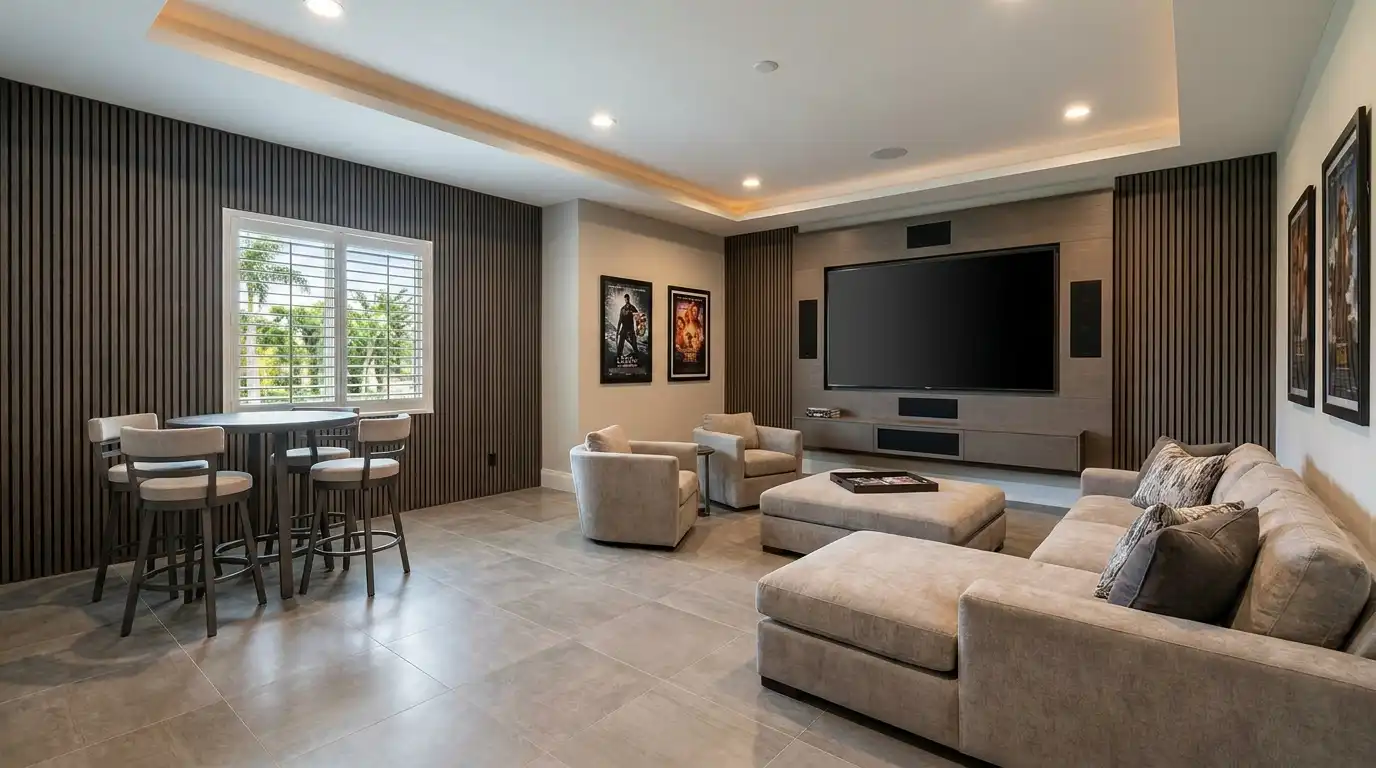
A media wall is a built-in feature wall that holds the TV, speakers and components in one designed surface, often with a linear electric fireplace below the screen. It is usually framed out from the existing wall so the TV sits flush, cables run inside, and equipment hides in ventilated cabinets. Finishes range from painted drywall and wood slats to porcelain slabs and backlit stone. The planning that matters most is TV size and height, heat clearance above the fireplace, and access for future wiring.
What Goes Into a Built-In Media Wall?
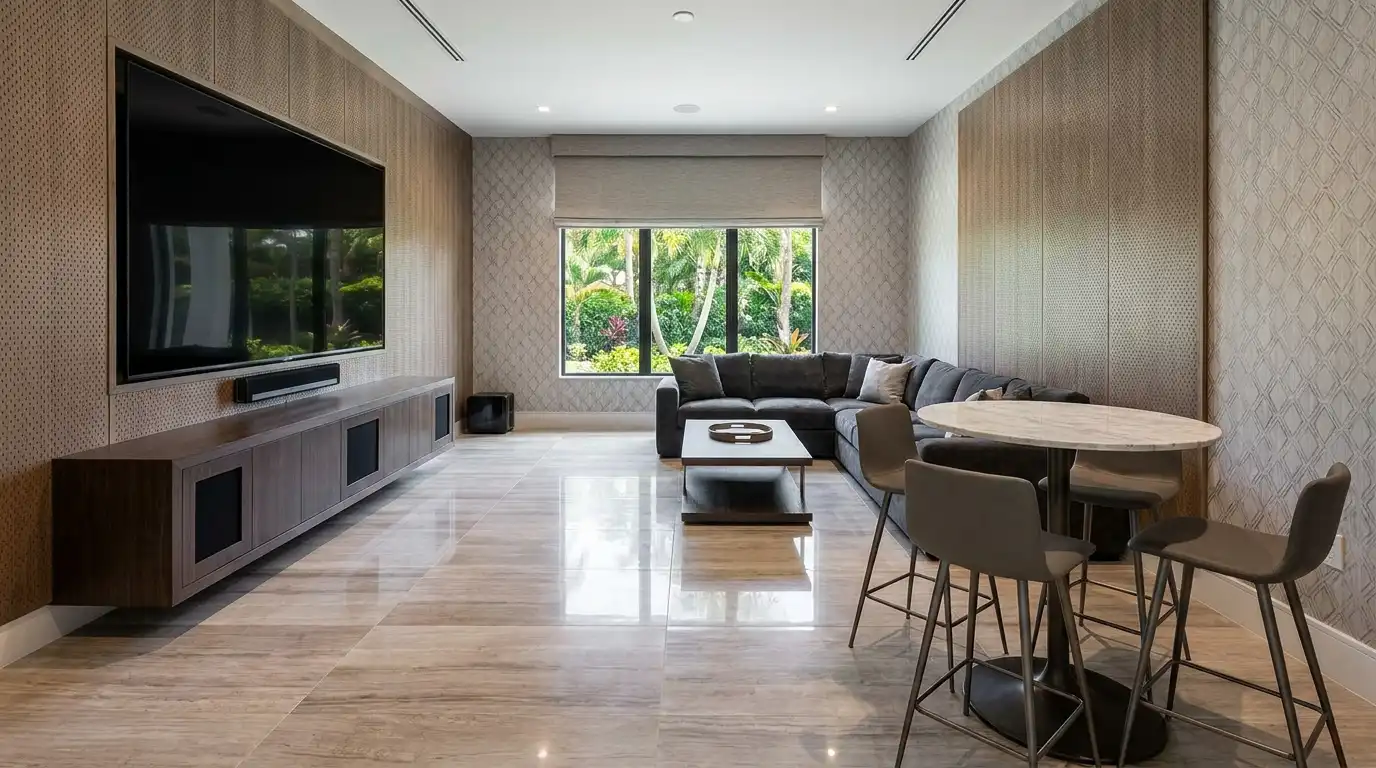
Most media walls start with a framed bump-out several inches deep, which creates a recess for the TV and a cavity for power, HDMI and low-voltage cable. Running conduit from the TV position to the equipment cabinet is the single best investment, because it lets you swap cables when standards change without opening the wall. Side cabinets or open shelving flank the screen, and soundbar or in-wall speaker locations are planned before the drywall goes up so grilles line up with the design.
A linear electric fireplace adds the look of a fire without gas lines or venting, which suits most Florida homes. Units vary: some run on a standard 120-volt circuit and others need 240 volts, and each has a required clearance to the TV, so the manufacturer's instructions set the spacing. For the surface, painted drywall is the budget choice, wood slats add warmth, and large porcelain or stone panels give a continuous slab look. Designer Stone Panels, thin translucent onyx or marble with LED backlighting, can make the surround glow behind the screen.
| Finish | Look | Notes |
|---|---|---|
| Painted drywall | Clean, minimal | Lowest cost; easy to repaint or patch |
| Wood slats or panels | Warm, modern | Adds texture; can help soften sound |
| Large-format porcelain | Stone or concrete look | Durable; needs careful layout and cuts around the TV |
| Natural stone veneer or slab | Heavy, classic | Weight requires proper backing and fastening |
| Backlit Designer Stone Panels | Translucent glowing stone | Thin panels with integrated LED lighting |
See our media room packages, from a feature wall with fireplace to a fully wired entertainment room.
What Changes for a Florida Media Wall?
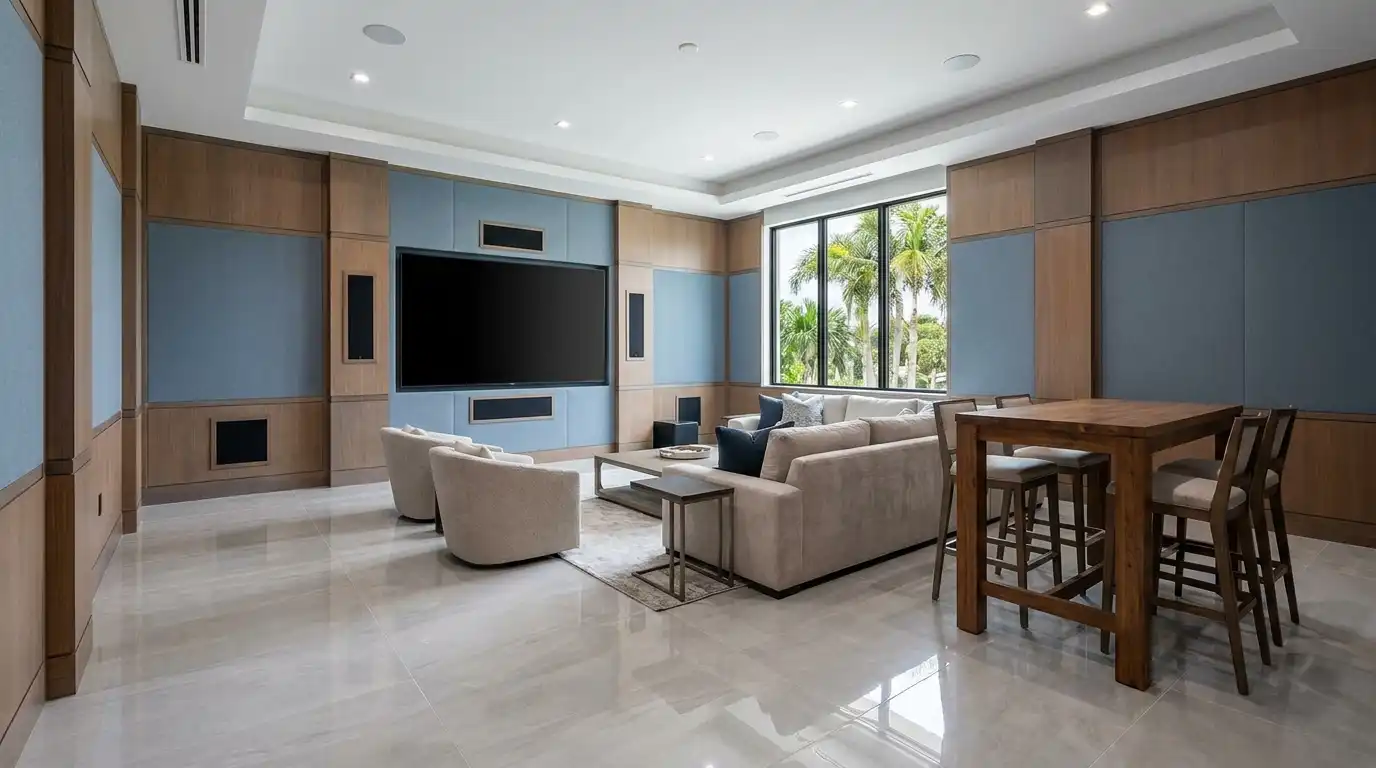
Most Southwest Florida living rooms face a lanai and pool through a wall of sliders, so glare dictates where the TV can go. We check sightlines and sun angles from the scan, then add motorized shades, choose a matte or anti-glare screen, or position the media wall on a side wall when the main wall faces west. Building out from concrete block also means anchoring the framing properly and running new circuits through the furring space, which is planned and permitted electrical work.
Our media room packages start from $14,500, and a feature wall is often the first piece homeowners build. Condo owners in Naples and Bonita Springs should check association rules before mounting heavy stone or adding circuits on a shared wall, and anyone sensitive to noise should ask about isolating speakers from the neighbor's side. Seasonal owners benefit from surge protection and a smart power controller, since summer lightning storms are hard on electronics left plugged in. Ask for a dedicated circuit for the equipment cabinet, too, so the amplifier and streaming gear do not share a breaker with the vacuum cleaner or a space heater.
Media Wall Before &


Media Wall Questions
How high should a TV be on a media wall?
For comfortable viewing, the center of the screen should sit close to eye level when seated, often around 42 inches off the floor. A fireplace below pushes the TV higher, so many owners use a slim linear unit or a tilting mount to keep the screen from feeling too tall.
Can I put a TV above an electric fireplace?
Yes, as long as you follow the fireplace manufacturer's clearance to the TV and any heat guidance. Electric units put out far less heat than gas or wood, and many direct heat forward. The specific model decides how much space you need between the fireplace top and the screen.
How do you hide wires on a media wall?
Plan a framed cavity behind the TV and run conduit from that spot to the equipment cabinet. Power goes in through a recessed outlet behind the screen installed to code. With conduit in place, new HDMI or network cables can be pulled later without cutting drywall.
We scan your room, render the wall in two finishes and give you one fixed-price quote.
Why Owners Build With Cutting Edge
A media wall combines carpentry, electrical, low-voltage and finish work, and it looks best when one team plans all four together. Cutting Edge Kitchen & Bath is a licensed Florida general contractor in Bonita Springs and the Florida exclusive distributor of Designer Stone Panels, so you can see backlit stone in person at our 4,000-square-foot showroom. We have completed more than 500 Southwest Florida remodels and earned nine Best of Houzz awards. Each project begins with a free LiDAR scan and photo-real 3D render, and ends with one fixed-price contract built by our own crews.